

|
Select Contact Window Location: Call List Context Menu -> Add Number to Existing Contact |
Top Previous Next Contents Index |
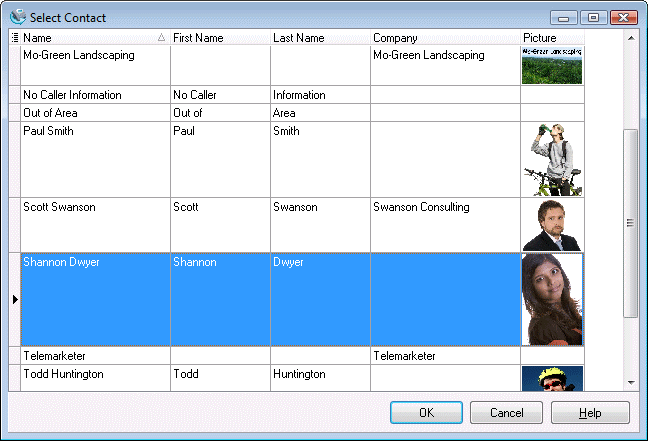
Use this window for assigning a new phone number to an existing contact. Simply select the desired contact, and click OK.
The grid can be altered using the common grid controls. In addition, you can type a name to auto-scroll to the desired contact. Specifically, the grid will auto-scroll to the row where the typed characters match the first column. To search using a different column, drag the column to the first position by clicking and dragging the column header.
|
Assigns the phone number to the selected contact. |
||
|
Closes the window without making an assignment. |
||
|
Brings up this topic. |
| Send comments or questions about web site to webmaster@ascendis.com |
Modified January 17, 2024, 3:48 pm
|