

|
Edit Contact (Notes Page) Location: Contact List Context Menu -> Edit Contact |
Top Previous Next Contents Index |
(Click the tabs in the image below to get help on other pages.)
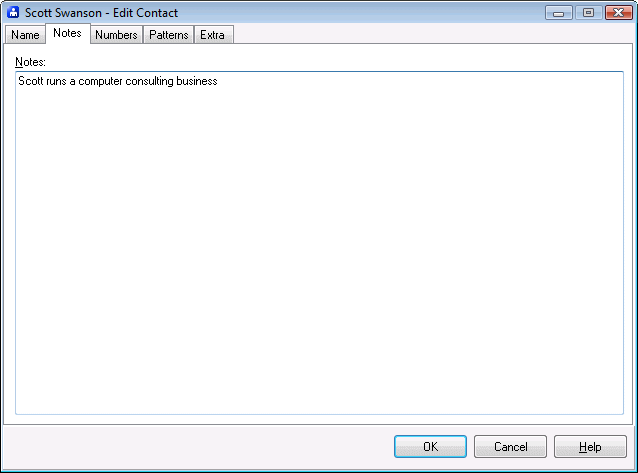
Use the Edit Contact window to change a contact's information. The Notes page allows editing and viewing your notes for a contact.
Notes |
Stores multi-line text. |
|
|
OK |
Saves all changes to the contact and closes the window. |
Cancel |
Discards all changes to the contact and closes the window. |
Help |
Brings up this topic. |
| Send comments or questions about web site to webmaster@ascendis.com |
Modified January 17, 2024, 3:45 pm
|